



Joker8 Login & Account Registration
A Joker8 login gives you full control of your account. Track your deposits, spins and withdrawals in one dashboard, right alongside your active bonuses. We walk you through creating a Joker8 account, signing in, recovering access, and managing account security through two-factor authentication and the verification process.



Create Your Account
Setting up a Joker8 account takes a few steps through the registration form on the homepage:
- Open the “Join now” form and enter an email address and a password.
- Choose the welcome bonus you prefer.
- Enter your email address, come up with a login and create a strong password of a minimum of 9 upper- and lowercase characters and symbols.
- Review and accept the Terms and Conditions and Privacy Note.
- Opt for news from Joker 8 by SMS, email or calling, if you wish.
- Provide personal details, including full name and date of birth.
- Add a phone number to support account protection and future verification.
- Hit “Create account.”
- Confirm the account through the verification link sent by email.
After confirming registration, the account unlocks the full Joker8 experience: real-money play across the game library, access to ongoing promotions, and entry into the VIP loyalty program from the very first deposit.
Joker8 Login and Account Management
Signing in gives returning players a dashboard built around balance management, deposit and withdrawal history, active bonuses, and account security settings such as two-factor authentication — all reached through the Joker8 login. The dashboard also carries a language selector, since multilingual support extends across the account area as well as the games lobby.
| Account section | What is available |
| Profile | Name, email and password management |
| Security | Two-factor authentication and login activity |
| Bonuses & Activity | Active offers, deposit and withdrawal history |
| VIP & Cabaret World | Star cards, VIP level progress, Missions status |
| Support | Direct access to live chat and the support team |
Two-factor authentication adds a second confirmation step at login, on top of the standard password, and can be switched on directly from the security section of the account.
Forgot Your Password?
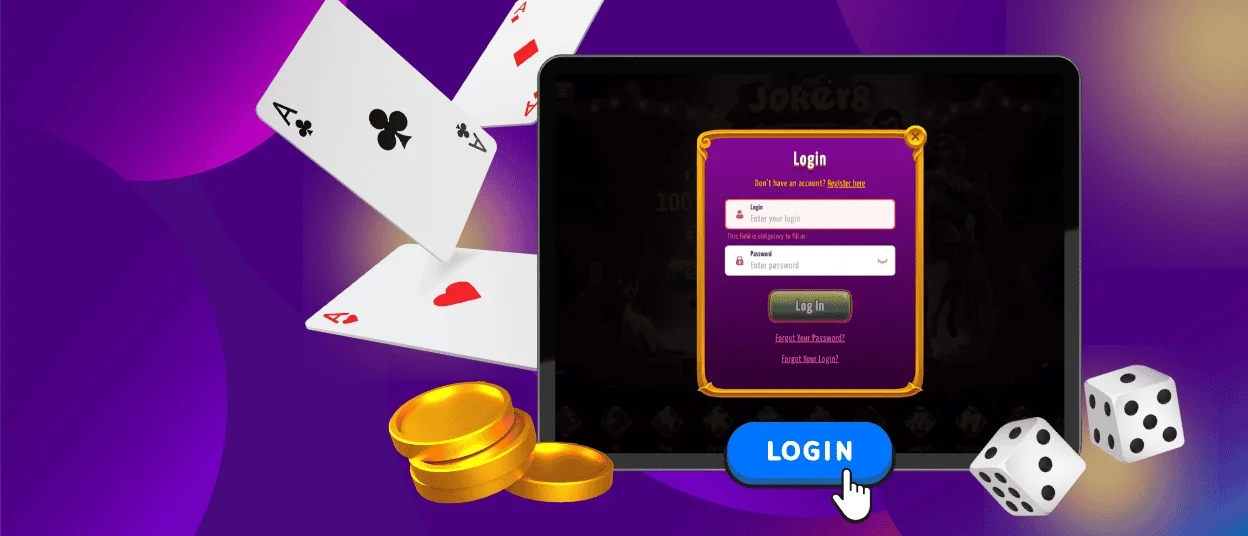
A password reset starts with the “Forgot Your Password?” and “Forgot Your Login?” links on the login screen. Enter the registered email address, and we will send a reset link — confirming it through email opens the option to set a new password. We keep the account locked to sign-ins with the old password until the reset at Joker8 is complete.
Verification at Joker8 Casino
We run a standard verification process to confirm player identity before a withdrawal request goes through at Joker8. A valid photo ID and a proof of address document are requested. You upload them directly from the account’s verification section. If you need guidance during this step, our support team is available through live chat or email.
FAQ
Can I change my password or email address?
You can make the necessary tweaks from the profile settings inside the personal account without needing to contact support for routine changes.
What should I do if my account is locked?
Reach the support team through live chat or email, and a manager will guide the account back to active status.
How do I close or temporarily suspend my account?
Self-exclusion and account pause options are in the responsible gaming settings of the personal account, allowing a break of a set length or a permanent closure request.


